Atd 0.11.1
Guided model credential recovery and softer light-mode surfaces
Recover saved model keys and logins after a certificate update without re-entering endpoints or defaults, with softer translucent surfaces and clearer control contrast in Light mode.
Recover model credentials after certificate updates
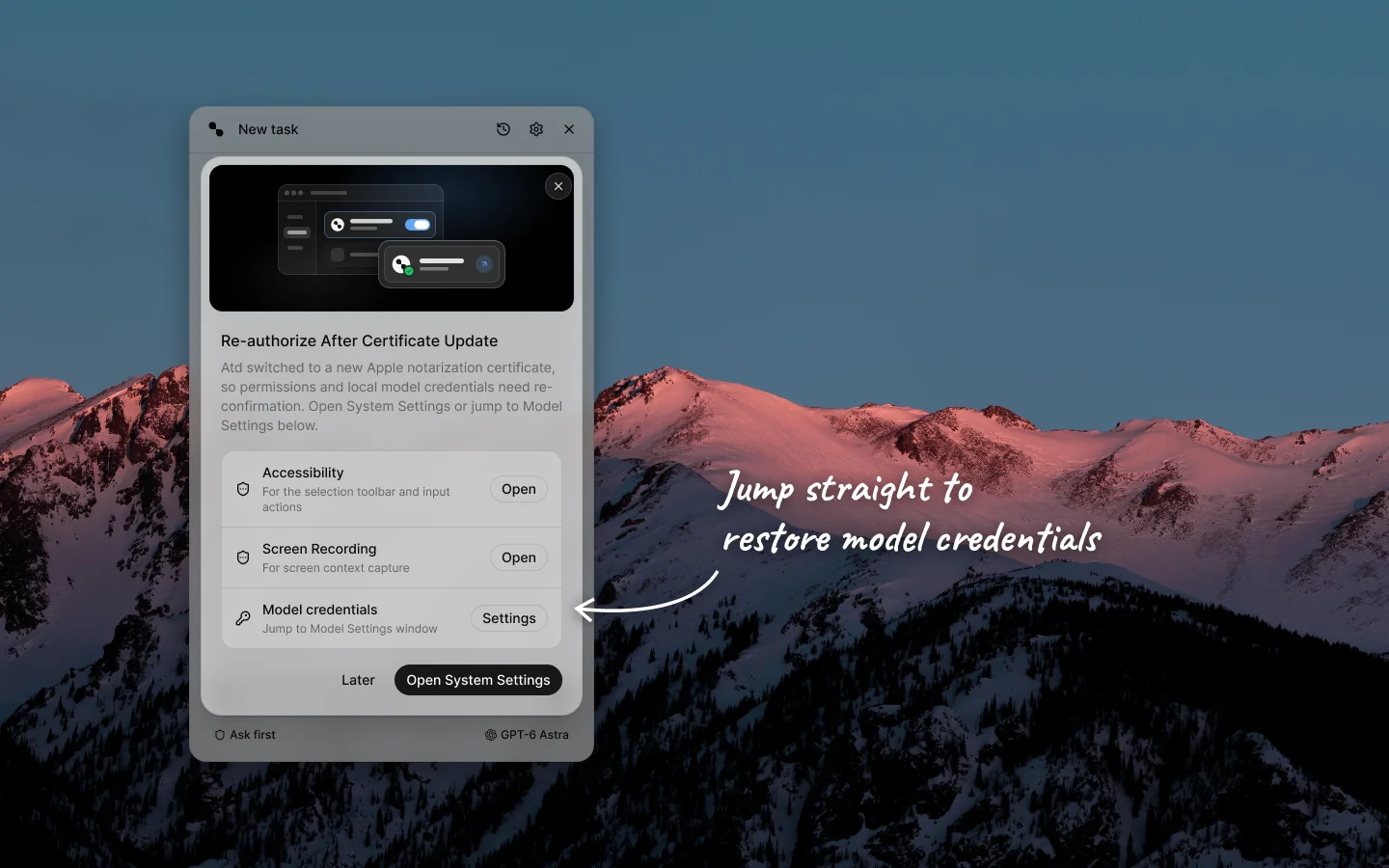
When macOS Keychain blocks access to an existing API key or OAuth login — such as after upgrading across signing certificates — Atd detects the unreadable credentials and surfaces a Model credentials row right inside the re-authorization prompt, alongside Accessibility and Screen Recording.
- Jump straight to Settings › Models — click Settings on that row (or Open Model Settings once permissions are restored) to see affected connections flagged inline.
- Keep your setup intact — re-enter your API key or sign in again in place without losing configured base URLs, custom models, or default model choices.
Improvements
Light-mode glass controls, settings cards, and conversation detail blocks now draw with calibrated panel-aware translucent washes and subtle hairlines instead of opaque gray slabs or stark white fills.
Light-mode switches, sliders, progress bars, outline buttons, modal close buttons, and input borders now use balanced contrast so controls remain clear over any wallpaper or panel background tint.
Fixes
Fixed stacked or repeated macOS Keychain permission dialogs by serializing credential lookups sequentially, caching verified provider states, stopping automatic probes once a credential needs recovery, and cleanly replacing legacy Keychain access entries when saving a new key.
Fixed opaque fills and mismatched borders on light-mode transcript code and artifact blocks, detail tables, modal close buttons, outline buttons, and the native settings loading view.
Fixed Settings › Memory missing filter and editor styles when opened before visiting Commands.