Skip to content
Atd
  • Features
  • Control
  • Blog
Star58Download

Blog

Release notes and news from Atd, newest first.
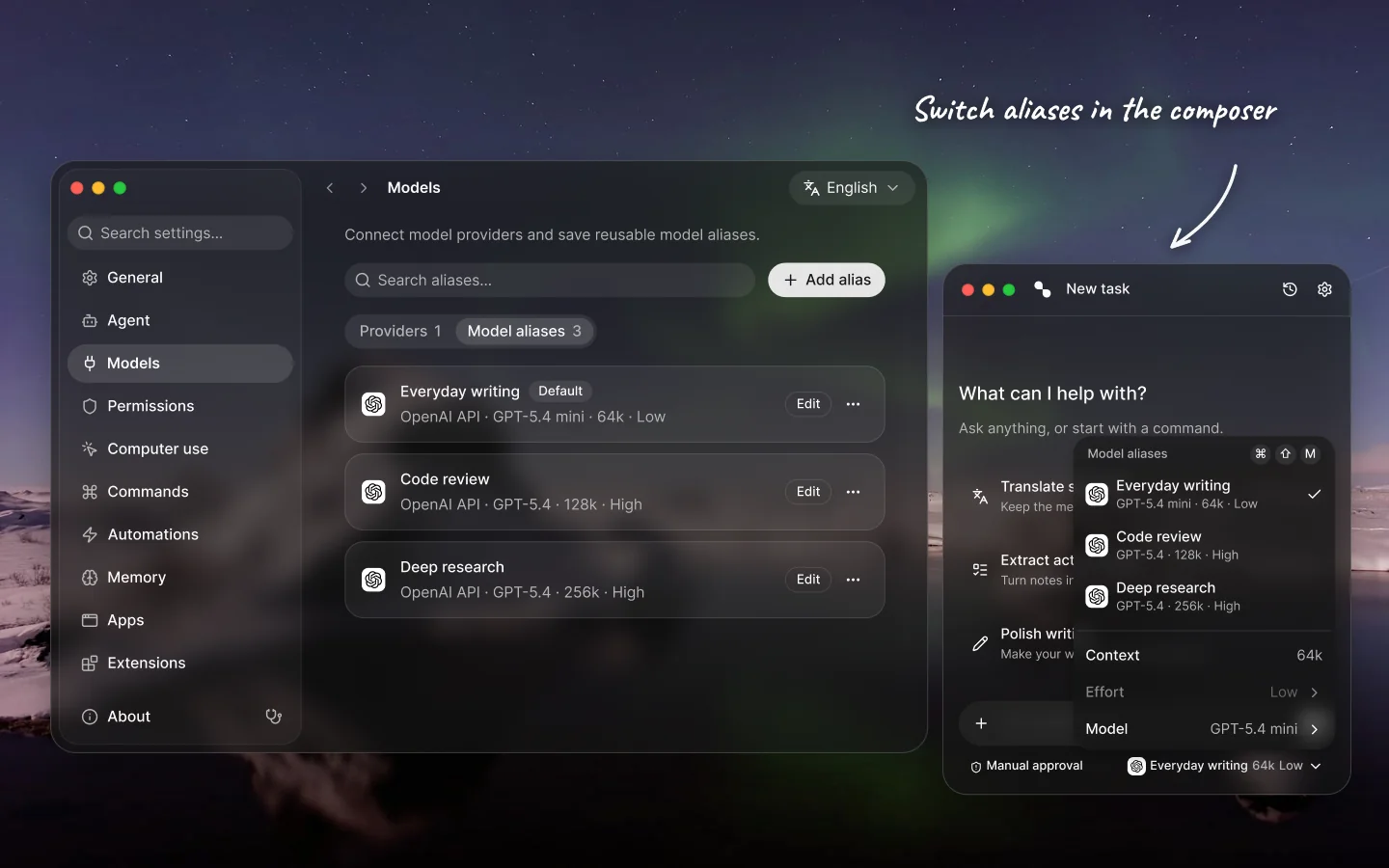
  1. The Models settings list three saved aliases with their provider, model, context window and effort. The same aliases appear in the open model menu above the task panel’s composer.

    Atd 0.12.0November 19, 2026

    Model aliases, richer screenshot annotations with floating pins, and built-in diagnostics

    Bundle model, context window, and reasoning effort into reusable aliases, annotate and pin screenshots on top of your workspace, inspect permissions and health with a 7-layer Doctor, and open Atd faster.
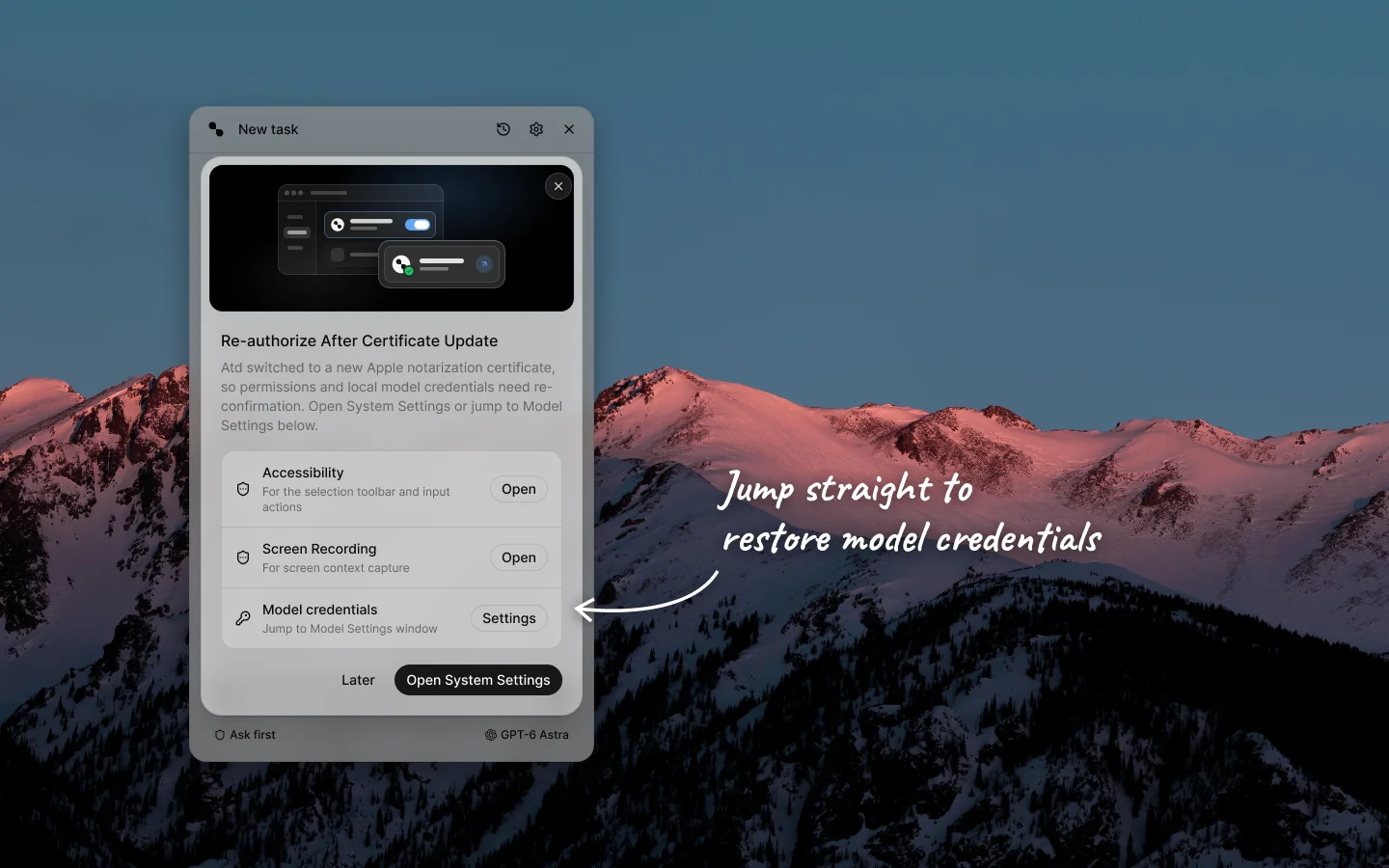
  2. The Light-mode Atd panel over a dusk mountain ridge backdrop, displaying the Re-authorize After Certificate Update dialog with Accessibility, Screen Recording, and a third Model credentials row with a Settings button, with a handwritten white arrow pointing to the Model credentials row.

    Atd 0.11.1November 14, 2026

    Guided model credential recovery and softer light-mode surfaces

    Recover saved model keys and logins after a certificate update without re-entering endpoints or defaults, with softer translucent surfaces and clearer control contrast in Light mode.
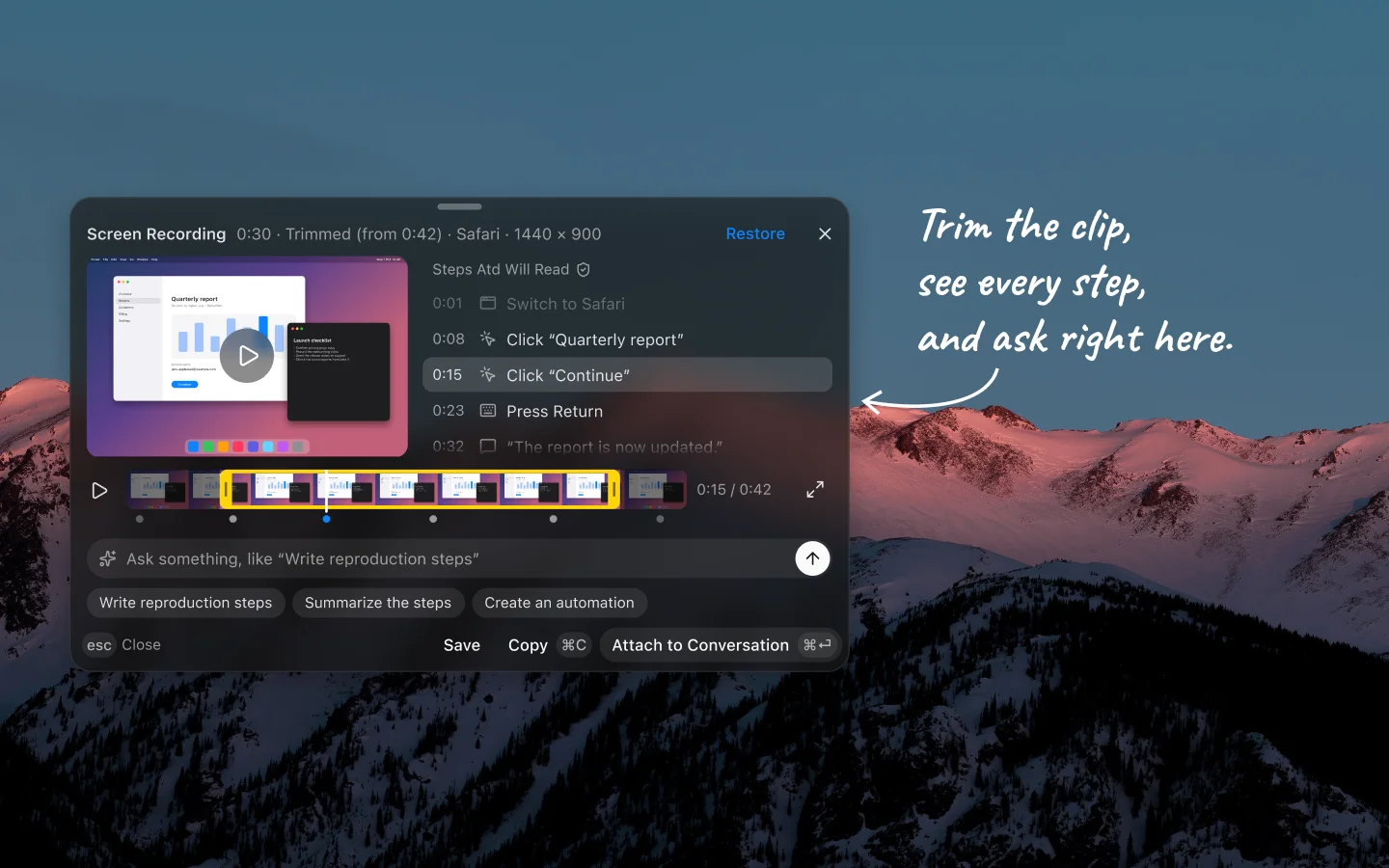
  3. The Screen Recording result card over a dusk mountain ridge backdrop, with a video preview on the left, timestamped actions under Steps Atd Will Read on the right, a trimmed filmstrip timeline, and quick question chips, with a handwritten arrow pointing to the card.

    Atd 0.11.0November 14, 2026

    Capture more of your screen and act on it in place

    Record your screen with detected steps and narration, stitch scrolling pages into long screenshots, run commands on text inside a screenshot, and read formatted Markdown on floating result cards.
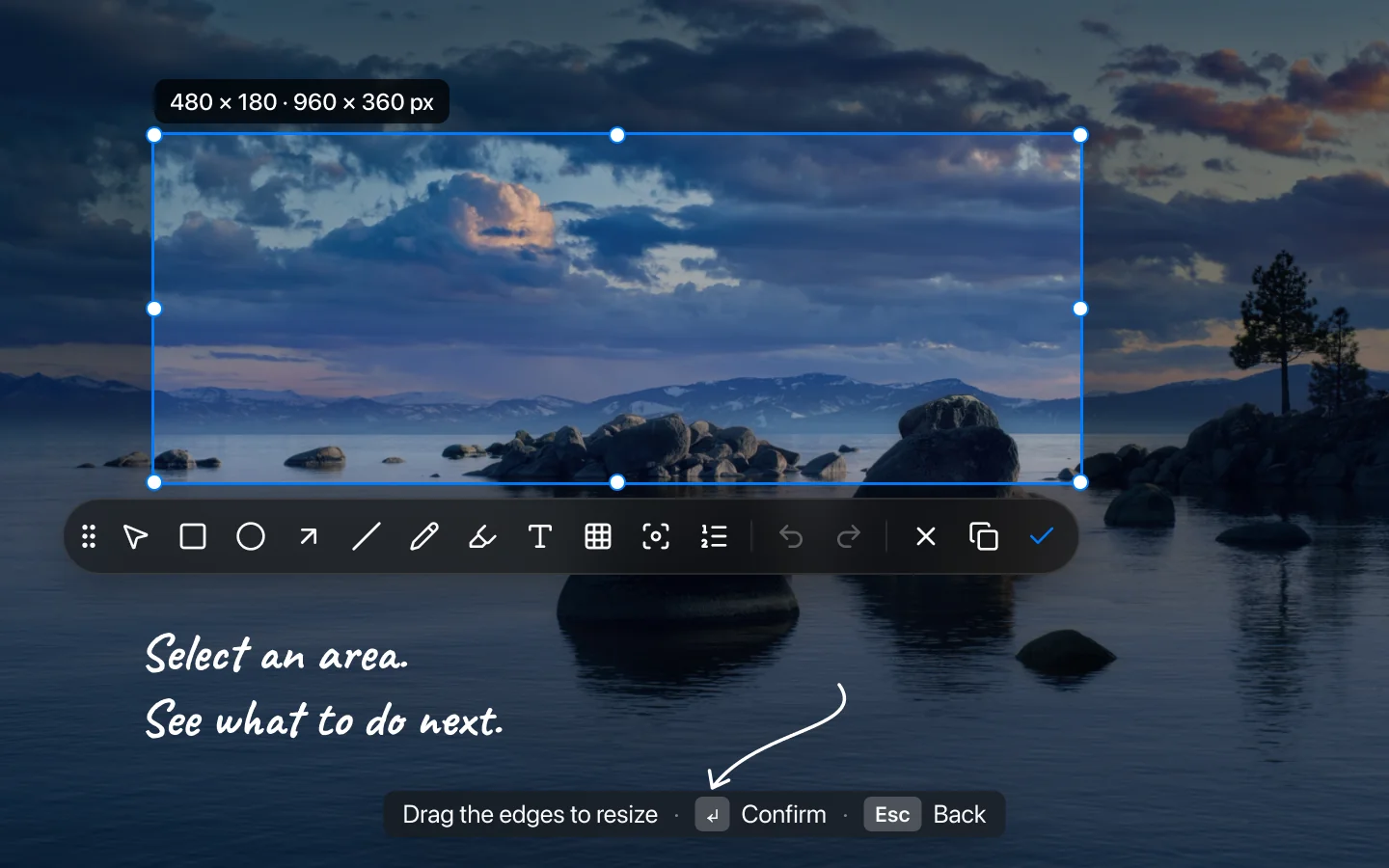
  4. A selected lakeside image and screenshot toolbar, with a blurred hint bar for resizing, confirming and going back. A handwritten arrow points to the confirmation keycap.

    Atd 0.10.7November 6, 2026

    Read earlier replies without losing your place

    Capture screenshots with clearer on-screen hints, read earlier replies while work continues, and stop preparing next-step suggestions you don't need.
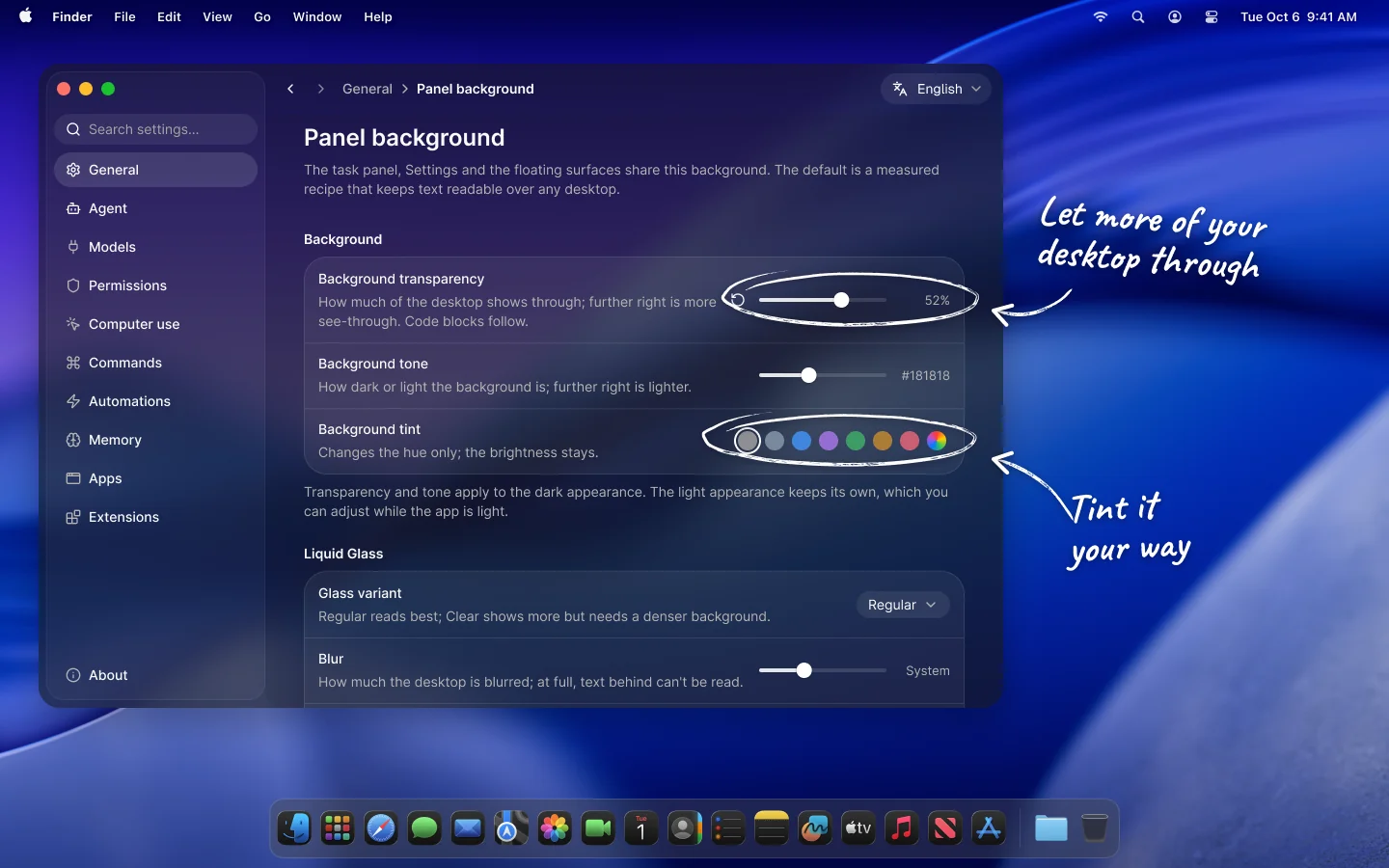
  5. The Panel background page in Atd Settings, with sliders for background transparency and tone and a row of tint swatches, annotated by hand.

    Atd 0.10.6November 4, 2026

    A panel that fits your desktop

    Tune the panel's glass to your wallpaper, let the selection toolbar start small, and keep every message you send, even one that didn't go through.

All releases on GitHub

Atd

  • English
  • 简体中文

Features

  • All features
  • Computer use
  • Screen capture
  • Selection toolbar
  • Models
  • MCP and skills
  • Automations
  • Personal apps
  • Privacy and control

Resources

  • FAQ
  • Blog
  • GitHub
  • Releases

© 2026 JUNERDD. Atd is an independent project and is not affiliated with Apple Inc.

Color theme