Atd 0.10.6
A panel that fits your desktop
Tune the panel's glass to your wallpaper, let the selection toolbar start small, and keep every message you send, even one that didn't go through.
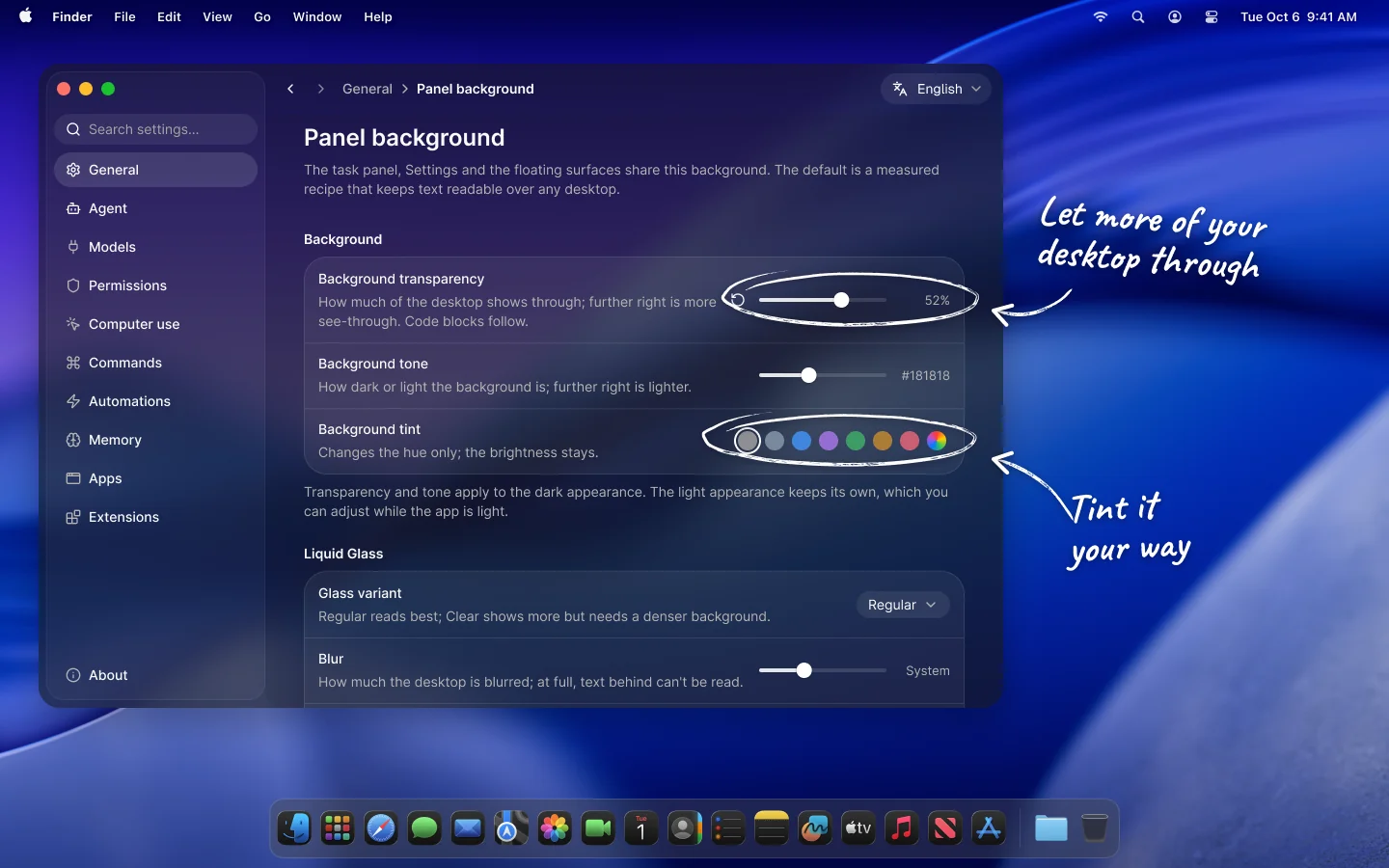
Choose your panel background
Settings › General › Panel background sets how the panel sits on your desktop: how transparent and how dark it is, kept separately for the light and dark appearance, and its tint. On macOS 26 you can also pick the Liquid Glass variant and adjust its blur and refraction.
The task panel, Settings, the mini panel, the command HUD and the selection toolbar all share it. Every row resets to its default on its own, and the ranges stay within measured readable limits.
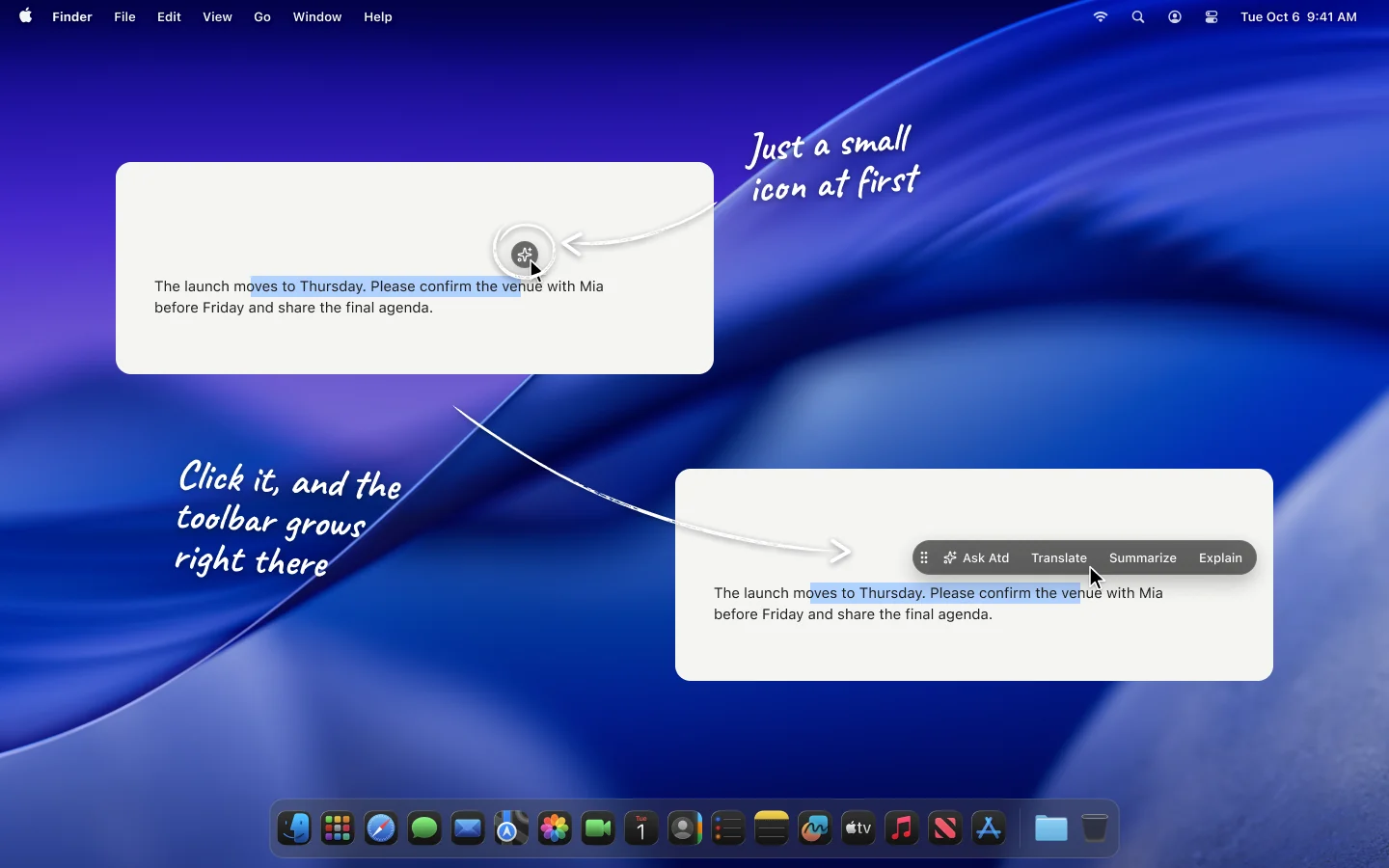
A selection toolbar that starts small
Choose a small icon under Settings › General › Selection toolbar, and selecting text shows just a glass circle by the pointer. Click it, or rest the pointer on it if you prefer, and it grows into the full toolbar right where it is. In the click mode you can drag the icon aside first.
When the full toolbar comes up at once, you can now choose where: next to the pointer, above the selection or below it.
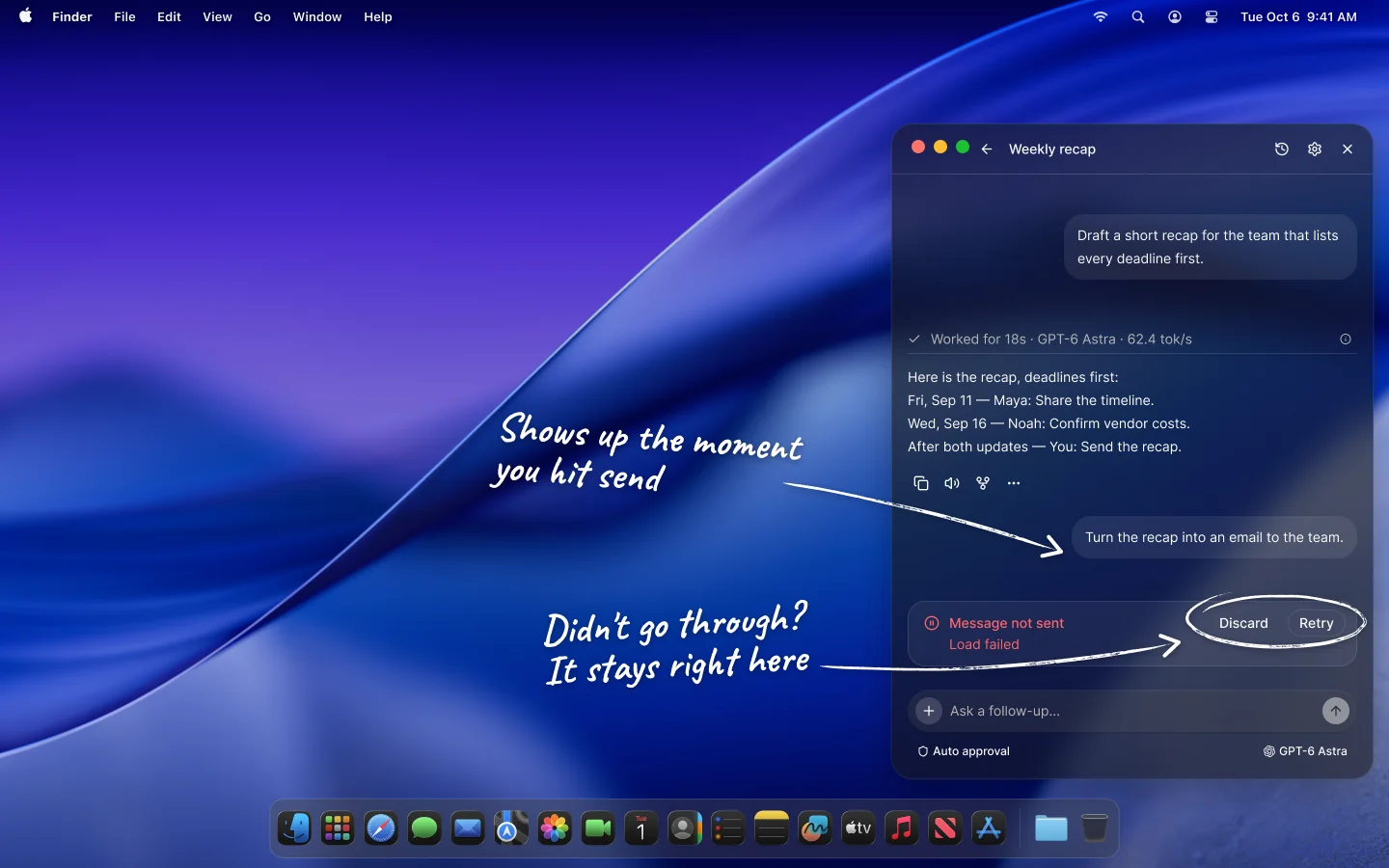
Messages show up the moment you send them
A new chat opens its conversation as soon as you send, and a follow-up appears as the last turn right away, before the service answers.
If a message can't be sent, it stays in its bubble with the reason, Retry and Discard, instead of dropping back into the composer, where you may already be typing the next one. Retry sends the same request again, so it never runs twice.
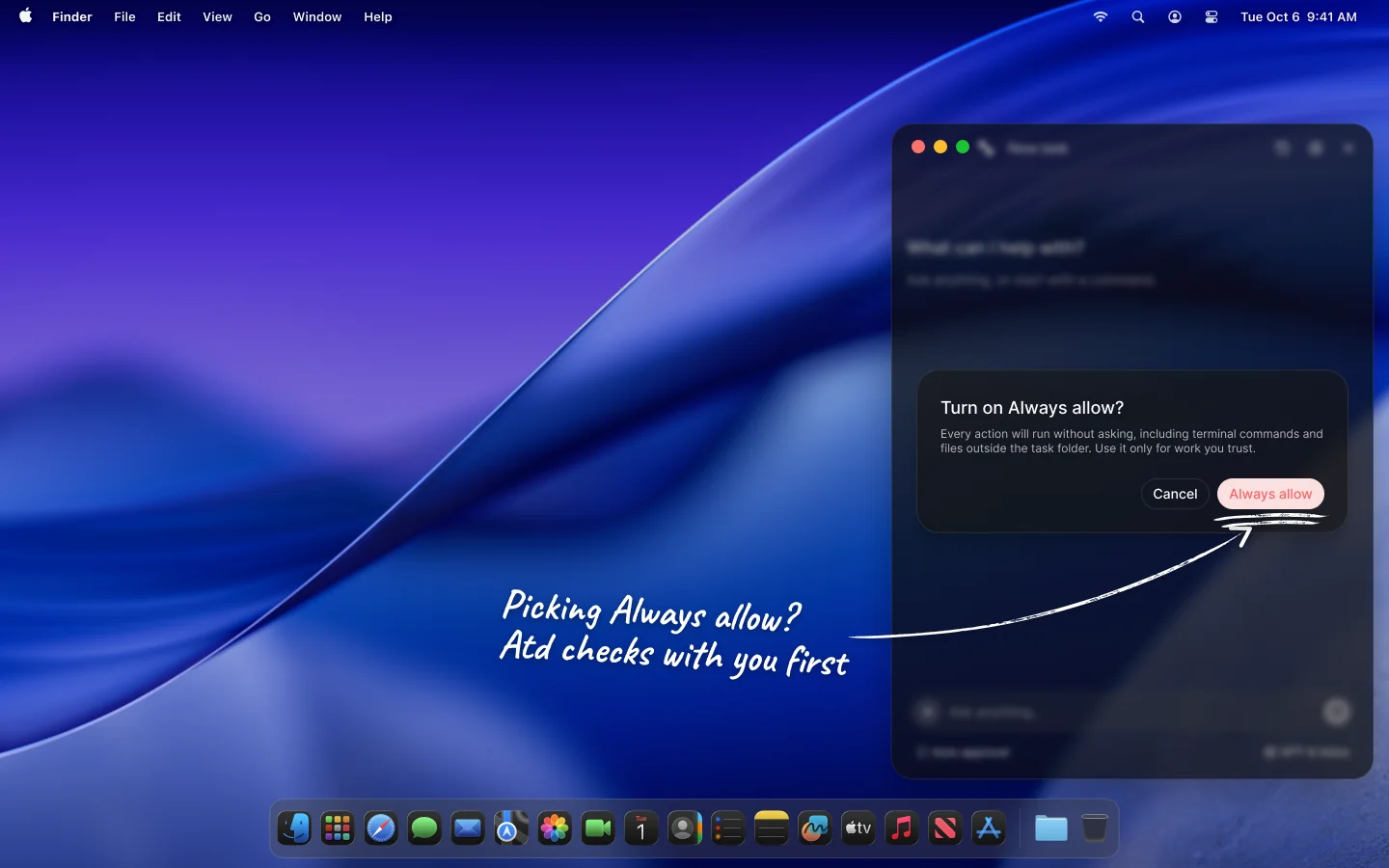
Always allow asks first
Always allow lets every action run unattended, including terminal commands and files outside the task folder. The composer, Settings › Permissions and an automation's approval setting now mark it in red and ask you to confirm before switching to it.
Fixes
Summoning the task panel over a full-screen app now shows it in that app's space instead of on a desktop behind it.
Holding a command's shortcut in a field with nothing selected now offers the command's options first, as it does with a selection, and the answer goes in at the cursor.
As the command HUD grows from its working capsule into a card, its flowing light now grows with it instead of leaving a bare strip along the top edge.
Submenus in the selection toolbar open, switch and close as soon as the pointer reaches them.
The selection toolbar no longer comes up for a table cell that was left selected elsewhere in the window.
A conversation opened from the history shows its faded edges from the first frame, without a brief flash.